
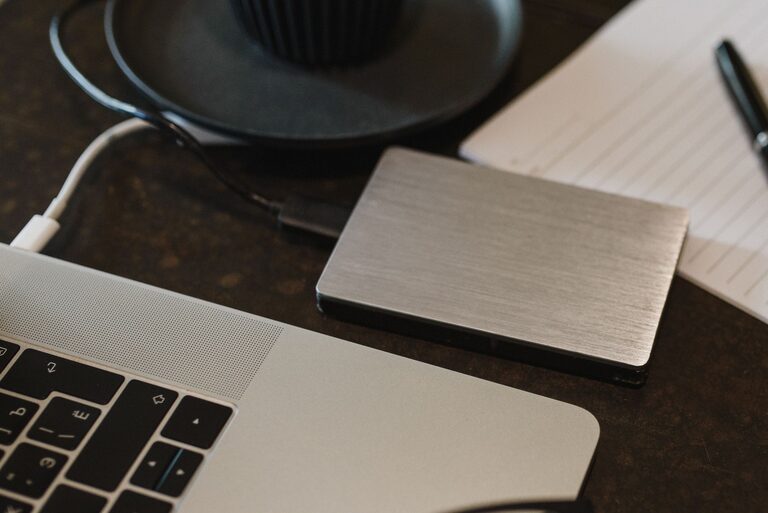
Backing up your photos and files is one of the smartest things you can do to protect your valuable data. Whether it’s cherished memories captured in pictures or important documents for work and personal use, having a backup ensures you won’t lose everything if your device fails or gets lost. In this guide, we’ll walk you through easy, reliable methods to back up your data and keep it safe.
Why Backing Up Matters
We often take our digital files for granted, assuming they’ll always be accessible. Unfortunately, technology can fail unexpectedly. Hard drives can crash, phones can be lost or stolen, and even software errors can lead to data loss. Regular backups give you peace of mind and a safety net.
Backup Basics: What to Include
When planning your backups, consider including:
– Photos and videos
– Documents (work files, personal papers)
– Music and audio files
– Email archives and contacts
– Application data and settings
Organizing your files into folders makes it easier to back up and restore later.
Different Backup Methods
There are several popular ways to back up your data. You can use one or combine a few for extra security.
1. External Hard Drives or USB Flash Drives
Pros:
– Easy to use
– Fast transfer speeds
– One-time cost
Cons:
– Can be lost or damaged
– Requires manual updates unless automated
Using an external drive is a straightforward solution. Simply copy your important files regularly. For automatic backups, software like Windows Backup, Time Machine for Mac, or third-party tools can help schedule backups.
2. Cloud Storage Services
Pros:
– Access files from anywhere with internet
– Automatic syncing and backups
– Secure, often encrypted
Cons:
– Requires internet connection
– Subscription fees for larger storage
Popular cloud services include Google Drive, Dropbox, Microsoft OneDrive, and Apple iCloud. Many offer free storage plans with options to upgrade. These services often back up photos automatically from your phone or computer, making it convenient.
3. Network Attached Storage (NAS)
Pros:
– Centralized, private storage on your local network
– Can back up multiple devices
– Accessible remotely
Cons:
– Higher upfront cost
– Needs technical setup
A NAS device is like a personal cloud at home. It stores your data on a dedicated device connected to your network. You can schedule backups from several devices and keep your data off public servers.
4. Optical Media (CDs, DVDs)
Pros:
– Physical copy that can be stored offline
– Inexpensive
Cons:
– Limited storage capacity
– Slower and less convenient
– Becoming obsolete
This older method may be suitable for archiving small amounts of data but isn’t practical for large photo libraries.
How Often Should You Back Up?
The frequency depends on how often you add or change files. Here are some general guidelines:
– Photos and important files: Back up weekly or monthly
– Work documents: Back up daily if you’re actively editing
– Large backups: Consider monthly full backups plus weekly incremental backups
Setting reminders or scheduling automatic backups can help maintain consistency.
Organizing Your Backup
Create a clear folder structure for your backups to make it easy to find files later. For example:
“`
Backup_2024-06-01/
Photos/
Documents/
Videos/
Music/
“`
Using dates in folder names helps track backup versions. Also, keep at least two backup copies stored in different locations when possible—this is called the “3-2-1” rule (3 copies of your data, 2 types of media, 1 offsite copy).
Security Tips for Your Backups
– Use strong passwords and enable two-factor authentication on cloud accounts
– Encrypt sensitive files before backing up
– Keep your backup devices safe from physical damage, heat, or moisture
– Regularly test backup files by restoring a few items to confirm they work
Restoring Your Data
Backing up is only part of the job. Make sure you know how to restore files if needed. Familiarize yourself with your backup software or cloud service’s restore process. Practicing restores occasionally helps avoid surprises in an emergency.
Final Thoughts
Backing up your photos and files doesn’t have to be complicated. Picking a method that fits your lifestyle and combining local and cloud backups can provide strong protection. Remember, the best backup is the one you do regularly, so set a schedule, keep your backups updated, and enjoy peace of mind knowing your memories and documents are safe.
If you haven’t started backing up yet, now is a great time to begin. Your future self will thank you!